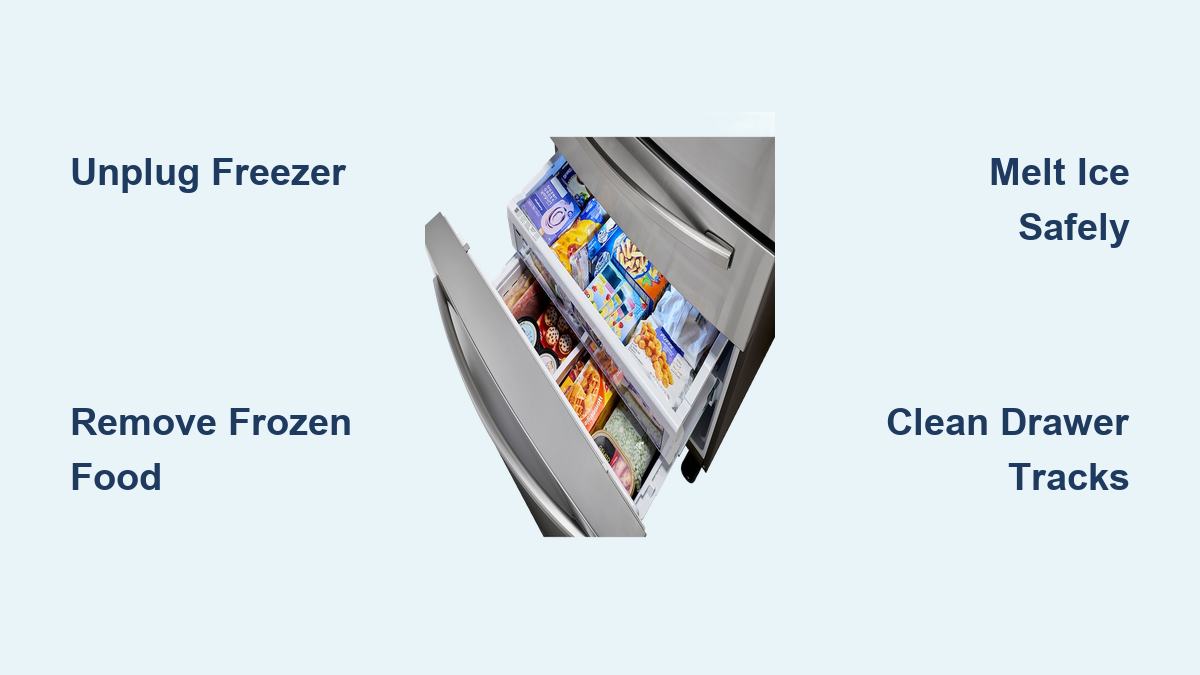
How to Defrost Samsung Freezer Drawer
If your Samsung freezer drawer has become clogged with ice buildup, making it difficult to open or reducing storage space, you’re not alone. Frost accumulation is a common issue that affects many Samsung freezer models, particularly those with pull-out drawer designs. When ice builds up excessively, it can prevent the drawer from sliding smoothly, compromise food storage capacity, and even impact your freezer’s efficiency. The good news is that defrosting your Samsung freezer drawer doesn’t require professional help—you can safely complete this maintenance task in your own kitchen with basic household items. In this guide, you’ll learn exactly how to defrost your Samsung freezer drawer efficiently while protecting your appliance from damage.
Why Your Samsung Freezer Drawer Needs Regular Defrosting
Excessive frost buildup in your Samsung freezer drawer typically occurs when warm, moist air enters the compartment during normal use. Each time you open the freezer drawer, humidity from your kitchen enters and condenses on the cold surfaces, gradually forming layers of ice. Over time, this ice can accumulate to the point where it restricts drawer movement, reduces available storage space, and forces your freezer to work harder to maintain proper temperatures. Samsung recommends defrosting your freezer when ice buildup reaches approximately 1/4 inch thick, as this is the threshold where efficiency begins to significantly decline. Regular defrosting not only restores your freezer’s optimal performance but also extends the appliance’s lifespan by reducing strain on the cooling system.
How Often Should You Defrost Your Samsung Freezer Drawer?
Most Samsung freezer models require manual defrosting every 6-12 months, depending on usage patterns and environmental conditions. If you live in a humid climate or frequently open the freezer drawer, you may need to defrost more often—perhaps every 3-4 months. Signs that indicate it’s time to defrost include: difficulty opening or closing the drawer, visible ice buildup on the interior walls, increased frost on food packaging, or unusual operational noises as the freezer works harder to maintain temperature.
What Causes Rapid Frost Buildup in Samsung Freezers?
Several factors accelerate frost formation in Samsung freezer drawers. Common culprits include damaged door or drawer seals that allow warm air infiltration, frequent or prolonged drawer openings, storing warm food items directly in the freezer, and improper temperature settings. Samsung freezers should maintain a temperature of 0°F (-18°C) for optimal performance; settings higher than this encourage more frost accumulation. Additionally, blocked air vents inside the freezer compartment can disrupt proper airflow, creating localized areas where frost builds up more quickly.
Essential Preparation Before Defrosting Your Samsung Freezer
Gathering Your Defrosting Supplies
Before beginning the defrosting process, assemble these essential items: several large towels or absorbent cloths, plastic scraper or silicone spatula (never metal), large shallow containers or baking sheets to catch melting ice, hairdryer or fan (optional but helpful), replacement food storage containers, and a thermometer to monitor food safety temperatures. Having these items ready prevents delays during the defrosting process, which is crucial for keeping your frozen food safe.
Safely Removing and Storing Frozen Food
Begin by transferring all frozen items from the affected drawer to a temporary cold storage location. Use a cooler with ice packs to maintain temperatures below 40°F (4°C), or place items in another working freezer. For extended defrosting periods, consider grouping food items together in insulated containers to help them stay frozen longer. Never leave frozen food at room temperature for more than 2 hours, or 1 hour if your kitchen exceeds 90°F (32°C), as this creates food safety risks. Prioritize moving perishable items first and keep track of what you remove to ensure nothing gets overlooked during the process.
Step-by-Step Samsung Freezer Drawer Defrosting Process
Shutting Down Your Samsung Freezer Properly
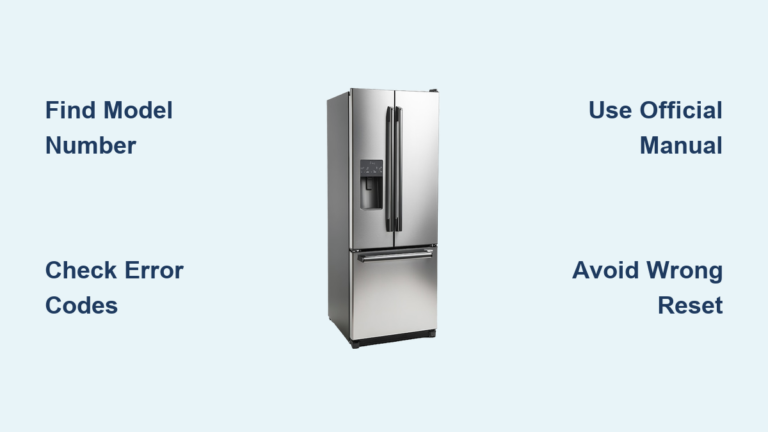
Locate the power switch or unplug your Samsung freezer from the electrical outlet to safely begin defrosting. For models with dual evaporators, you may only need to shut down the freezer compartment while keeping the refrigerator running. Consult your user manual for specific shutdown procedures for your model. Never attempt to defrost while the appliance remains powered on, as this can damage components and create electrical hazards when water contacts live parts. Allow the freezer to sit unplugged for 15-20 minutes before proceeding to give initial melting time.
Accelerating Ice Melting Without Damaging Components

Place towels around the base of the freezer to catch runoff water and position shallow containers inside to collect melting ice. For faster results, place bowls of hot (not boiling) water inside the freezer compartment with the drawer open, replacing the water as it cools. Alternatively, use a hairdryer on low heat setting held at least 12 inches from surfaces, moving constantly to avoid concentrated heat exposure. Never use sharp tools to chip ice, as this can puncture refrigerant lines or damage interior surfaces. Focus melting efforts on the drawer mechanism first to restore mobility before addressing other areas.
Removing Ice Buildup From Critical Components

Start by clearing ice from the drawer tracks and guides, as this is essential for restoring smooth operation. Use a plastic scraper at a shallow angle to gently lift ice away from surfaces without scratching. Pay special attention to the drawer’s front edge where ice commonly accumulates and prevents proper closure. Check for ice blockages around air vents and temperature sensors, as these can interfere with proper freezer operation after defrosting. For stubborn ice in tight spaces, use a turkey baster to apply warm water precisely where needed, then immediately dry with absorbent cloths to prevent refreezing.
Preventing Future Frost Buildup in Your Samsung Freezer

Optimizing Freezer Settings for Minimal Frost
After defrosting, ensure your Samsung freezer is set to the manufacturer-recommended temperature of 0°F (-18°C). Many models feature a “Power Freeze” function that should only be used temporarily; leaving it enabled continuously can contribute to excessive frost. Verify that the freezer’s humidity control (if equipped) is properly adjusted—higher settings increase moisture retention. Samsung’s Twin Cooling Plus system helps reduce frost buildup when functioning correctly, so ensure both compartments are maintaining proper temperatures after restarting.
Implementing Smart Freezer Organization Practices
Store food in airtight containers or heavy-duty freezer bags to minimize moisture release into the freezer environment. Group similar items together and avoid overfilling the drawer, as proper air circulation prevents localized cold spots where frost accumulates. Leave adequate space around food packages for air to circulate freely. When adding new items, allow hot foods to cool to room temperature first, and never place uncovered liquids directly in the freezer. Consider using freezer organizers designed specifically for Samsung models to maintain consistent spacing between items.
Maintaining Seals and Components for Optimal Performance
Regularly inspect and clean the drawer gaskets for tears, cracks, or food debris that compromise the seal. Wipe seals with a mild detergent solution every few months and apply a small amount of petroleum jelly to maintain flexibility. Check that the drawer closes completely and evenly—misalignment often indicates worn rollers or tracks that need attention. Samsung recommends vacuuming the condenser coils every 6 months to maintain proper cooling efficiency, which indirectly reduces frost buildup by ensuring consistent temperatures.
Troubleshooting Common Defrosting Challenges
Addressing Persistent Ice Buildup After Defrosting
If frost returns quickly after defrosting, check for door seal issues by performing the dollar bill test: close the bill in the drawer seal and try to pull it out—if it slides easily, the seal needs replacement. Verify that the freezer isn’t positioned near heat sources like ovens or direct sunlight, which increases frost formation. Ensure the freezer has adequate clearance from walls (at least 2-3 inches) for proper ventilation. If problems persist, your Samsung model may have a defrost system malfunction requiring professional service.
Fixing Drawer Operation Problems Post-Defrost
If your Samsung freezer drawer still doesn’t slide smoothly after defrosting, inspect the tracks for residual ice or debris. Apply a small amount of food-grade silicone lubricant to the drawer rails—never use petroleum-based lubricants as they can damage plastic components. Check that the drawer isn’t overloaded and that items aren’t protruding beyond the drawer’s front edge. For models with adjustable rollers, consult your manual for proper height adjustment procedures to ensure even drawer movement.
Final Note: Regular maintenance of your Samsung freezer drawer prevents the need for frequent, time-consuming defrosting sessions. By implementing these defrosting techniques and prevention strategies, you’ll maintain optimal freezer performance while extending the lifespan of your appliance. Remember that some frost accumulation is normal, but excessive buildup indicates an underlying issue that requires attention. For persistent problems that don’t respond to routine maintenance, consult Samsung’s official service network for model-specific support. Proper care ensures your freezer continues providing reliable, efficient performance for years to come.