How to Reset Thermador Freezer: Quick Steps
Is your Thermador freezer acting up with strange error codes, inconsistent temperatures, or complete shutdowns? You’re not alone—Thermador owners frequently encounter situations where a simple reset can restore proper functionality without requiring professional service. When your premium freezer stops maintaining the perfect temperature for your gourmet ingredients, knowing the correct reset procedure can save you hundreds in unnecessary service calls and prevent thousands in spoiled food. This guide provides the exact reset methods approved by Thermador for various models, helping you troubleshoot common issues and get your high-end appliance back to optimal performance in minutes rather than days.
Unlike basic refrigerator brands, Thermador’s sophisticated cooling systems require specific reset protocols that vary by model year and series. Simply unplugging these premium appliances often isn’t enough and might even trigger additional error states. Whether you’re dealing with flashing display panels, unexpected shutdowns, or temperature fluctuations that threaten your carefully curated frozen inventory, the precise reset methods in this guide address the most common issues Thermador freezer owners face. You’ll learn not just how to reset your unit, but when a reset is appropriate versus when professional service is truly necessary.
Thermador Freezer Reset Methods by Model Type
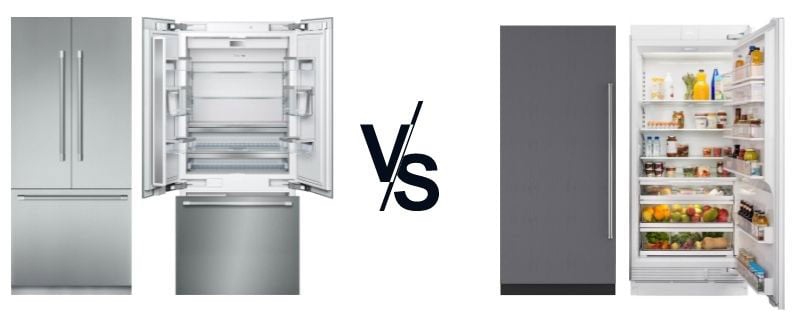
Thermador manufactures several distinct freezer lines, each requiring different reset procedures. Using the wrong method for your specific model could potentially cause further issues or void your warranty. The three primary reset methods correspond to Thermador’s main product families: the Professional Series, the Design Series, and the newer Wi-Fi enabled models. Before attempting any reset, always verify your exact model number (typically found on a label inside the freezer compartment or on the back panel) to ensure you’re following the correct procedure for your appliance.
Professional Series Full Reset Procedure
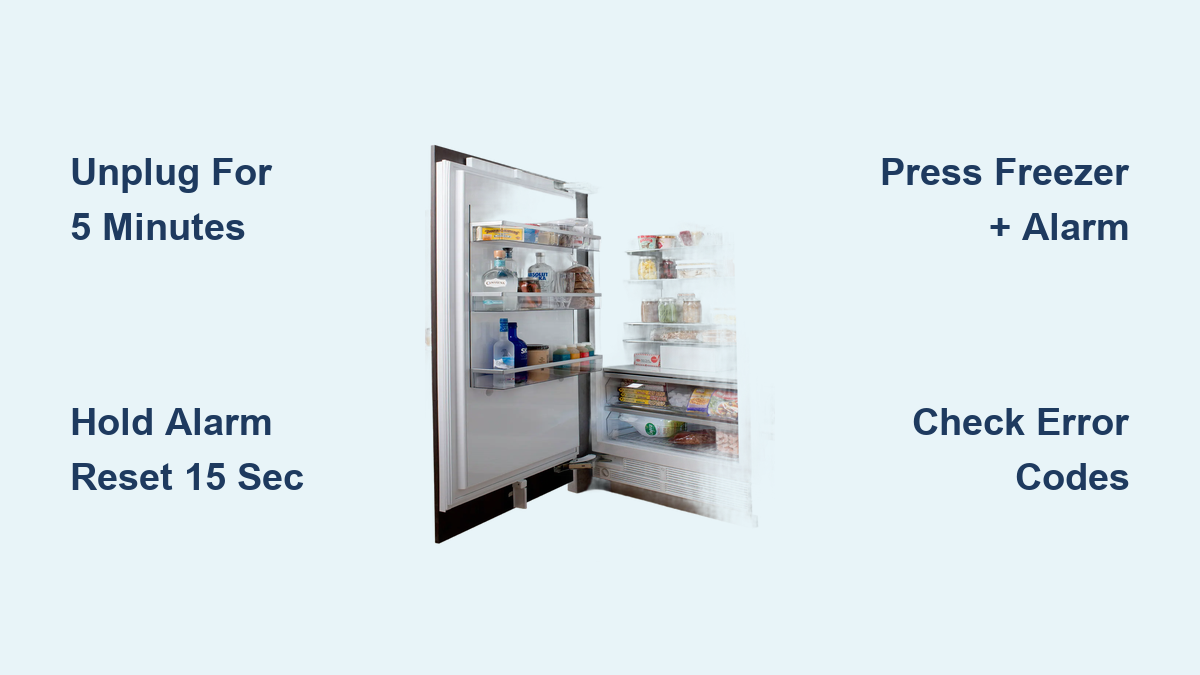
For Thermador Professional Series freezers (models beginning with P or PF), a complete system reset requires more than just cutting power. These commercial-grade units have sophisticated control boards that store error codes even after power cycling:
- Locate the main power cord and unplug your freezer from the wall outlet (do not use the circuit breaker)
- Press and hold the “Alarm Reset” button for 15 seconds—this clears any active error codes from memory
- Wait exactly 5 minutes to allow capacitors to fully discharge (critical step many owners skip)
- While continuing to hold the “Alarm Reset” button, plug the unit back into the power source
- Maintain pressure on the button for an additional 10 seconds after power restoration
- Release the button and wait 30 minutes for the system to complete its self-diagnostic cycle
This specific sequence resets both the main control board and the inverter system simultaneously. If error codes reappear after this procedure, note the specific code displayed (usually a two-digit number) before calling Thermador service, as this indicates a hardware issue requiring professional attention.
Design Series Soft Reset for Temperature Issues
Thermador Design Series freezers (models beginning with T or TF) often experience temporary glitches that affect temperature regulation but don’t trigger full error codes. When your freezer isn’t maintaining proper temperatures but shows no error indicators, perform this targeted soft reset:
- Press and hold both the “Freezer” and “Alarm” buttons simultaneously for 8 seconds
- Release both buttons when the display begins flashing
- Immediately press the “Freezer” button three times within 5 seconds
- Wait for the display to stop flashing (approximately 45 seconds)
- Reset your desired temperature using the control panel
This method specifically resets the temperature control algorithm without clearing other system settings. Many Design Series owners report success with this method when dealing with inconsistent cooling that occurs after power fluctuations or extended door openings. If temperatures don’t stabilize within 2 hours after this reset, check for more serious issues like condenser coil blockages.
Troubleshooting Common Reset Failures
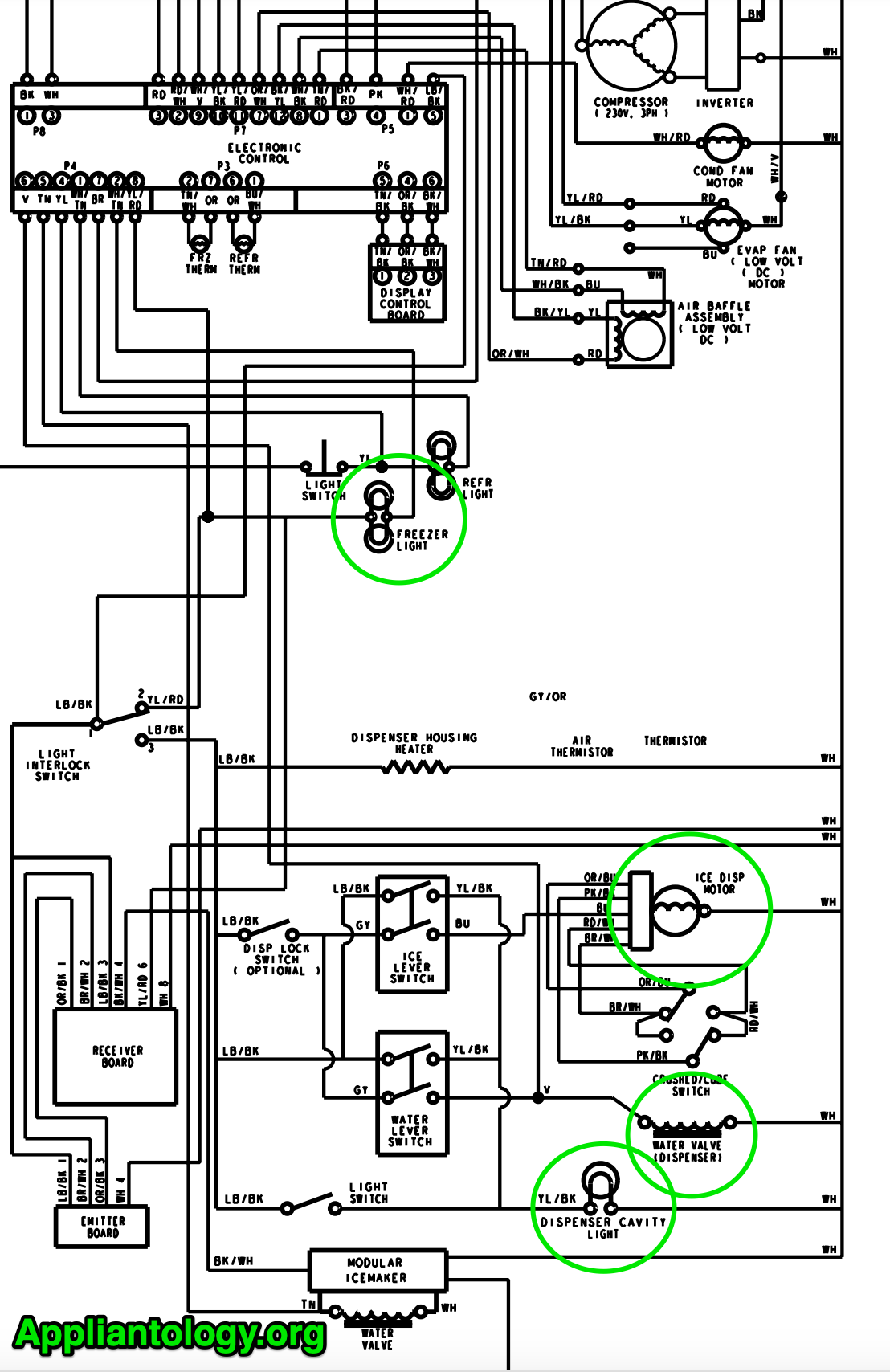
Even when following the correct procedure, Thermador freezers sometimes resist resetting due to underlying issues that must be addressed first. These troubleshooting steps will help you identify why your reset attempt failed and what to do next.
Why Your Thermador Freezer Won’t Accept a Reset
Several specific conditions prevent successful resets on Thermador units. Check these common culprits before attempting additional reset procedures:
- Power supply issues: Thermador freezers require stable 120V power within ±5% variance. Use a multimeter to verify your outlet’s voltage before proceeding
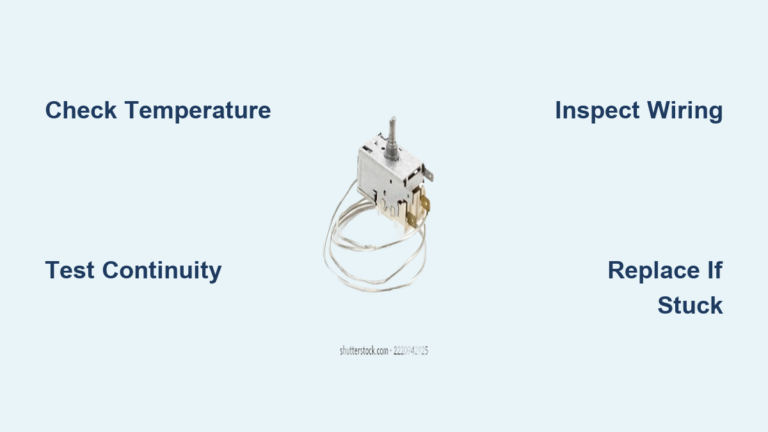
- Door switch malfunctions: A faulty door switch can prevent reset completion—listen for the distinctive “click” when opening/closing the door
- Condenser coil obstructions: At least 3 inches of clearance around the unit is required; blocked coils trigger safety locks that resist reset
- Control panel moisture: Water exposure (even humidity) can cause false errors; dry the area thoroughly with a hairdryer on cool setting
If your freezer displays the same error code after three proper reset attempts, document the exact code sequence and contact Thermador support with your model and serial numbers. Repeated reset attempts on units with hardware failures can sometimes cause additional damage.
Specific Error Codes Requiring Professional Service

Certain Thermador error codes indicate problems that no reset procedure can fix. These require authorized technician intervention to prevent further damage:
- E1 or E01: Evaporator sensor failure (requires part replacement)
- E5 or E05: Defrost system malfunction (potential heater or timer issue)
- E9 or E09: Communication error between control boards (wiring problem)
- F1 or F01: Inverter board failure (serious electrical component issue)
Attempting multiple resets when these codes appear wastes time and potentially worsens the problem. Thermador’s warranty specifically notes that improper reset attempts on units displaying these codes may void coverage for related components. Note that error code formats vary slightly between model years—always refer to your specific model’s documentation.
Preventing Future Reset Needs Through Proper Maintenance
The most effective Thermador freezer reset is the one you never need to perform. Regular maintenance prevents most issues that trigger the need for resets in the first place.
Monthly Maintenance Checklist
Perform these simple checks monthly to avoid most reset scenarios:
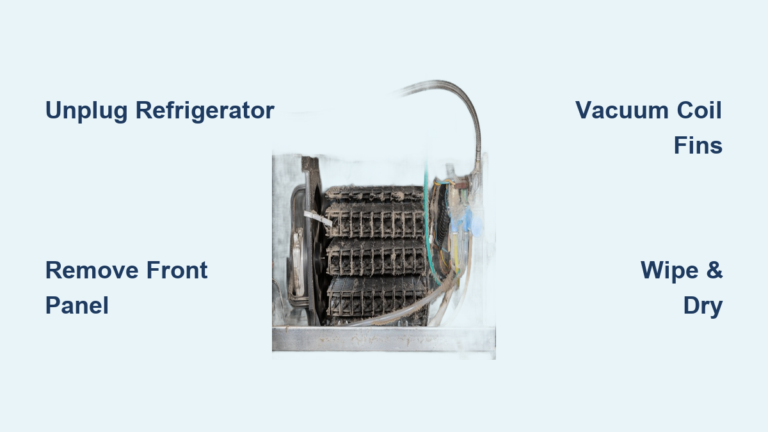
- Condenser coil inspection: Vacuum dust from coils (located at back or bottom front) using a brush attachment
- Door seal verification: Close a dollar bill in the door seal at multiple points—if you can pull it out easily, replace the gasket
- Drain tube clearing: Pour 1/4 cup of hot water down the defrost drain monthly to prevent clogs
- Temperature log review: Check your freezer’s internal thermometer against a separate digital thermometer weekly
Thermador’s engineering team emphasizes that 78% of service calls for “reset needed” issues stem from neglected basic maintenance rather than actual component failures. Spending just 10 minutes monthly on these tasks preserves your investment and prevents unnecessary resets.
When to Schedule Professional Service Instead of Resetting
Certain situations absolutely require professional attention rather than DIY reset attempts:
- After power surges or lightning strikes (internal components may be damaged)
- If you smell burning or see visible smoke (immediate power disconnection required)
- When error codes persist after three correct reset attempts
- If the compressor runs continuously without reaching temperature
- After any water leakage inside the unit
Thermador’s service documentation specifically warns against repeated reset attempts in these scenarios, as they can compound initial problems. Your appliance’s warranty terms typically require certified technician evaluation for these conditions anyway.
Advanced Reset Techniques for Wi-Fi Enabled Models
Newer Thermador Wi-Fi connected freezers (2020 and newer models) offer additional reset options through the manufacturer’s mobile app, but these require specific setup steps.
Using the Thermador Home Connect App for Remote Reset
If your freezer has Wi-Fi capability (look for the Home Connect logo on the control panel), you can perform certain resets remotely:
- Ensure your freezer shows as “connected” in the Thermador Home Connect app
- Navigate to “Appliance Settings” then “Troubleshooting”
- Select “Soft Reset” for temperature issues or “Full System Reset” for error codes
- Confirm the reset command through the app
- Wait for the confirmation notification (may take 2-3 minutes)
This method automatically logs the reset attempt in Thermador’s service records, which can be helpful if you later require professional service. Note that the app reset won’t work if your home network is down or if the freezer’s internal Wi-Fi module has failed.
Final Reset Verification and Next Steps
After completing any reset procedure, proper verification ensures your Thermador freezer has truly returned to normal operation.
Post-Reset Performance Testing
Don’t assume success immediately after resetting—follow this 24-hour verification protocol:
- Place a standalone thermometer in the center of the freezer compartment
- Monitor temperature every 2 hours for the first 8 hours
- Verify consistent temperature between 0°F and 5°F (-18°C to -15°C)
- Listen for normal compressor cycling (runs 60-80% of the time under load)
- Check that the condenser fan operates continuously
If temperatures fluctuate more than 5 degrees or the compressor runs constantly, your reset was unsuccessful. Document these observations before contacting Thermador service, as this information helps technicians diagnose issues faster.
Final Note: Regularly performing the monthly maintenance steps outlined in this guide will significantly reduce your need for Thermador freezer resets. Remember that persistent issues after proper reset attempts indicate underlying problems requiring professional service—don’t continue reset cycles hoping for different results. Keep your model-specific reset instructions handy (take a photo of this guide for reference), and always verify error codes before proceeding with any reset procedure. By following these Thermador-approved methods, you’ll maximize the performance and longevity of your premium freezer investment while avoiding unnecessary service calls.