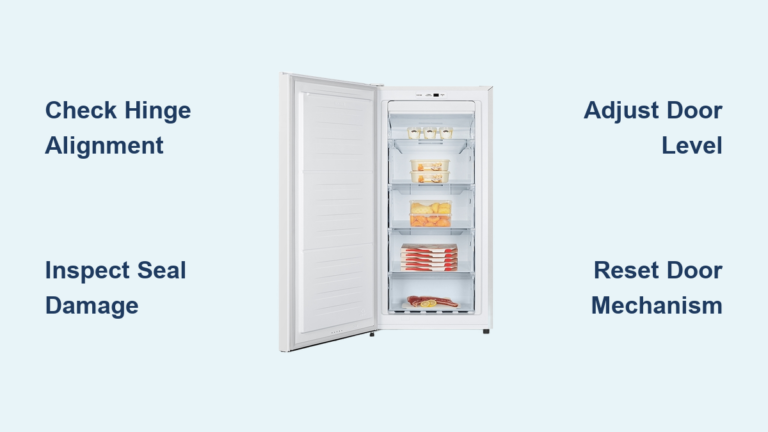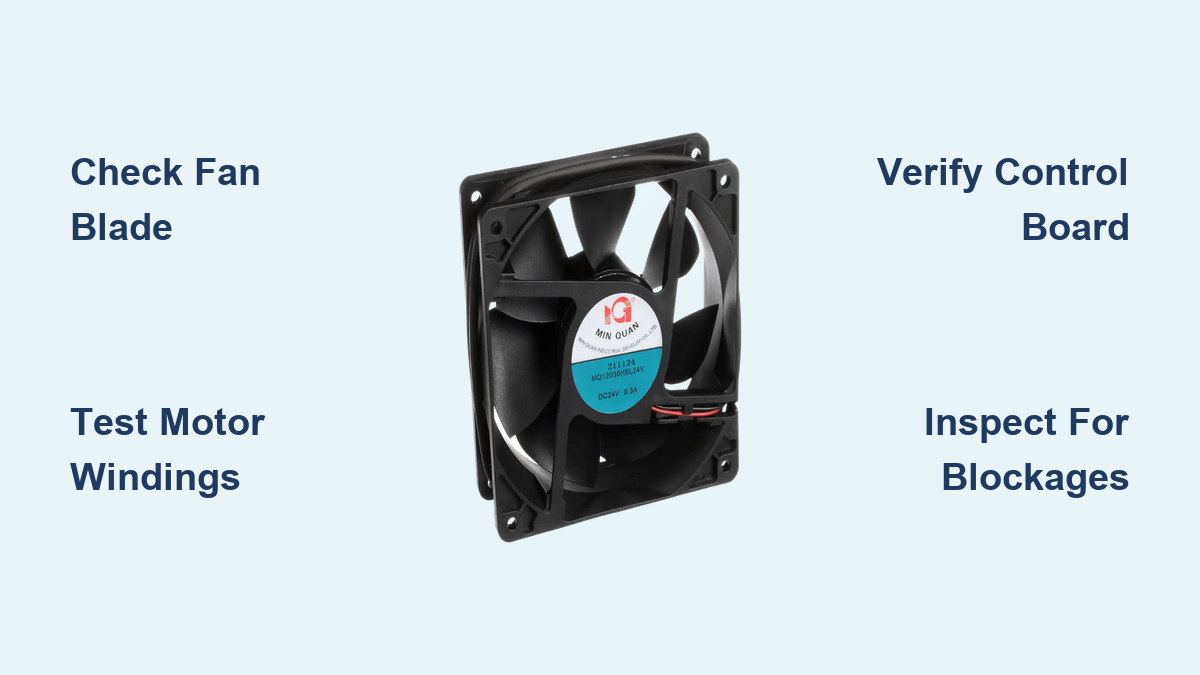
How to Fix Atosa Freezer Fan Not Working
Is your Atosa commercial freezer running but not cooling properly? A malfunctioning evaporator fan is one of the most common culprits behind temperature issues in Atosa freezers. When the fan stops working, cold air can’t circulate throughout the cabinet, causing inconsistent temperatures, frost buildup, and potentially spoiling inventory. This comprehensive guide provides step-by-step troubleshooting methods specifically for Atosa freezer models to identify and resolve fan-related problems before they lead to costly inventory loss or equipment failure.
Commercial kitchen operators know that downtime equals lost revenue. Atosa freezers are workhorses in restaurants, grocery stores, and food service operations, but even these reliable units experience component failures. The evaporator fan system is particularly critical—it’s the circulatory system of your freezer, moving cold air from the evaporator coil throughout the cabinet. Without proper airflow, your freezer might run continuously yet fail to maintain safe temperatures. In this guide, you’ll learn how to diagnose whether your Atosa freezer’s fan issue stems from electrical problems, mechanical failures, or control system errors, plus practical solutions to get your unit back in operation.
Diagnosing Atosa Freezer Fan Failure Symptoms
Before diving into repairs, confirm your Atosa freezer’s problem is actually fan-related. Many temperature issues mimic fan failure but have different causes. When your Atosa freezer isn’t maintaining proper temperatures, first check these specific indicators that point to fan problems rather than compressor or refrigerant issues.
How to Verify Your Atosa Freezer Fan Has Stopped Working
Listen carefully inside the freezer compartment when the unit is running—do you hear the characteristic hum and airflow of the evaporator fan? Atosa freezers typically have fans that run continuously when the unit is powered, unlike some residential models that cycle with the compressor. With the freezer door closed, stand near the unit for several minutes; you should hear consistent airflow through the vents. If the compressor is running but no air is moving through the cabinet, your evaporator fan has likely failed. Another telltale sign is excessive frost buildup on the evaporator coil behind the interior panel—this occurs because without airflow, moisture in the air freezes directly onto the coil.
Distinguishing Fan Problems from Other Cooling Issues
Not all cooling problems indicate fan failure. If your Atosa freezer’s compressor isn’t running at all, the issue likely involves power supply, thermostat, or main control board problems rather than the fan itself. Similarly, if you notice oil leaks or hear knocking sounds from the compressor area, you may have refrigerant or compressor issues. Fan-specific problems typically present as: the freezer feels warm despite the compressor running, food spoiling in certain areas while other sections remain frozen, or visible frost accumulating on the evaporator coil compartment. These symptoms confirm airflow is compromised while the cooling system itself is still functioning.
Essential Safety Precautions Before Fan Repair
Critical Power Disconnection Steps for Atosa Units
Commercial freezers operate on high-voltage electrical systems that can cause serious injury or death. Before accessing any components in your Atosa freezer, completely disconnect power at the circuit breaker—not just the unit’s power switch. Verify power is off using a multimeter rated for the voltage your Atosa model uses (typically 115V or 208-230V). Many technicians forget to lock out the circuit breaker with a physical lockout device, creating a dangerous situation where someone might accidentally restore power while you’re working inside the unit. Always follow OSHA lockout/tagout procedures when servicing commercial refrigeration equipment.
Protecting Yourself from Refrigerant Exposure
While evaporator fan repairs typically don’t involve the refrigerant system, accidental contact with refrigerant lines can occur during component access. Wear appropriate PPE including safety glasses, insulated gloves, and closed-toe shoes. If you accidentally puncture a refrigerant line, immediately evacuate the area—refrigerants can displace oxygen and cause asphyxiation in confined spaces. Never attempt refrigerant system repairs without EPA 608 certification, as improper handling violates environmental regulations and poses serious health risks.
Atosa Fan Motor Diagnostic Process

Testing Fan Motor Operation Without Disassembly
You can often determine if the fan motor itself has failed without fully disassembling your Atosa freezer. Locate the evaporator fan housing behind the interior rear panel—this usually requires removing several screws and carefully disconnecting any wiring harnesses. With power safely disconnected, manually spin the fan blade. If it’s seized or extremely difficult to turn, the motor bearings have likely failed. Some Atosa models allow you to access the fan motor connector without full disassembly; use a multimeter to check for voltage at the connector when the unit should be running. No voltage indicates a control system issue rather than motor failure.
Checking Fan Blade and Housing Obstructions
Before condemning the motor, inspect for simple blockages that commonly stop Atosa freezer fans. Food particles, packaging materials, or excessive frost can jam the fan blade against the housing. Remove any visible obstructions and check for bent blades that might catch on the housing during rotation. Pay special attention to the fan shroud—the plastic housing surrounding the blade—as these can crack or warp over time, causing the blade to bind during operation. Many technicians waste time replacing perfectly good motors when a simple obstruction is the actual problem.
Electrical System Troubleshooting

Testing Fan Motor Windings and Capacitors
If the fan blade spins freely but the motor won’t run, test the motor windings with a multimeter set to resistance mode. Disconnect the wiring harness and measure resistance across the motor terminals—consult your specific Atosa model’s service manual for expected resistance values, as these vary between models. Infinite resistance indicates an open winding and requires motor replacement. Many Atosa freezer fan motors use start capacitors to provide initial torque; test these capacitors for proper capacitance using a multimeter with capacitance function. A swollen or leaking capacitor needs immediate replacement.
Verifying Control Board Output Signals
When the fan motor and capacitor test good but still don’t operate, the problem likely lies in the control system. Atosa freezers use electronic control boards that manage fan operation based on temperature sensors and defrost cycles. Check for proper voltage output from the control board to the fan motor during normal operation. Many modern Atosa models have diagnostic modes that display error codes through LED indicators—consult your model’s service manual to interpret these codes. Common control-related issues include failed defrost termination thermostats that prevent fan operation after defrost cycles or faulty temperature sensors sending incorrect signals to the control board.
Step-by-Step Fan Replacement Procedure
Removing the Failed Fan Assembly from Atosa Models
Once you’ve confirmed the fan motor needs replacement, carefully document all wiring connections before disconnecting anything—take photos with your phone for reference. Most Atosa freezer evaporator fans mount with 2-4 screws to the evaporator coil housing. Note the orientation of the fan blade (direction of airflow matters) and any gaskets or seals that must be reinstalled. When removing mounting screws, support the fan assembly to prevent dropping it onto the evaporator coil, which could cause refrigerant line damage. Some models require removing the entire evaporator assembly to access fan mounting points—consult your specific model’s service manual for proper disassembly sequence.
Installing and Testing the New Fan Motor
Before installing the replacement fan, verify it’s the exact model specified for your Atosa unit—using an incorrect fan can cause airflow problems or electrical issues. Apply dielectric grease to electrical connectors to prevent future corrosion. Reinstall mounting screws with appropriate torque—overtightening can crack plastic housings while undertightening allows vibration damage. After reassembly, perform a power-up test with the interior panels temporarily removed to verify proper fan operation before reinstalling everything. Listen for unusual noises and confirm consistent airflow across the evaporator coil. Monitor temperature recovery for at least one hour to ensure the repair has resolved your cooling issues.
Preventing Future Fan Failures in Atosa Freezers
Regular Maintenance Practices for Fan Longevity
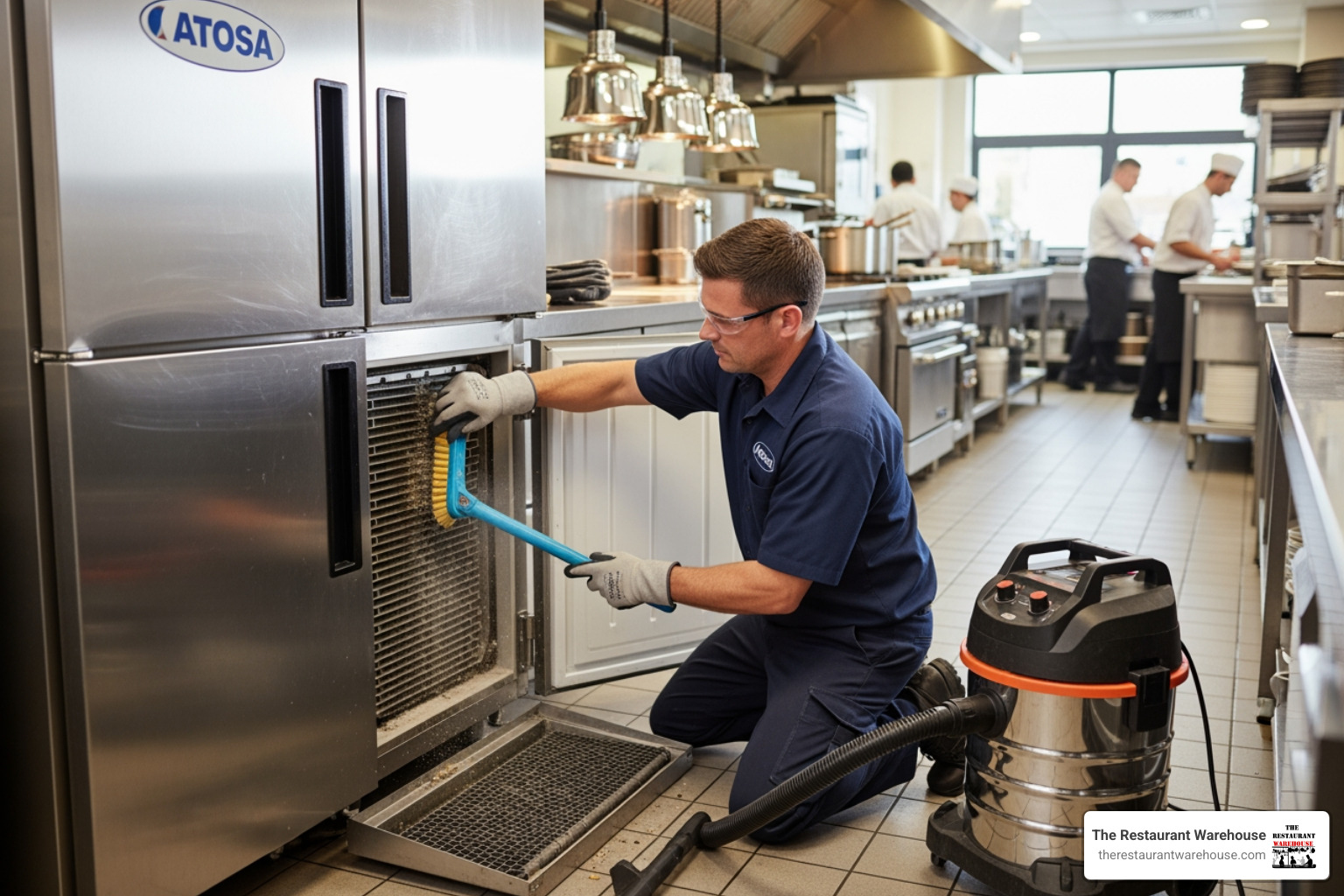
Implement a monthly maintenance routine that includes checking fan operation and cleaning fan blades and housing. Use compressed air (at low pressure) to remove dust and debris from fan components during routine defrost cycles. Ensure proper airflow around the unit by maintaining at least 3 inches of clearance from walls and other equipment—restricted ambient airflow causes the entire system to work harder, increasing fan motor stress. Check fan mounts periodically for vibration damage; loose mounting screws create harmonic vibrations that accelerate bearing wear.
Environmental Factors That Shorten Fan Lifespan
Commercial kitchens present unique challenges for freezer components. High ambient temperatures from cooking equipment force freezers to work harder, increasing fan runtime and heat buildup. Humid environments accelerate corrosion of electrical components and fan housings. Grease-laden air from cooking areas coats fan blades, creating imbalance and increasing motor strain. Consider installing protective filters on freezer air intakes in high-risk environments, and schedule more frequent maintenance checks if your Atosa unit operates in particularly challenging conditions.
Final Note: A non-working fan in your Atosa freezer requires immediate attention to prevent inventory loss and further equipment damage. By following this systematic approach—verifying symptoms, implementing safety protocols, methodically diagnosing components, and performing proper repairs—you can restore proper operation while avoiding common pitfalls that lead to repeated service calls. Remember that persistent fan issues after replacement often indicate underlying problems with control systems or environmental factors that must be addressed for long-term reliability. Regular preventive maintenance remains your best defense against unexpected downtime in critical commercial refrigeration equipment.