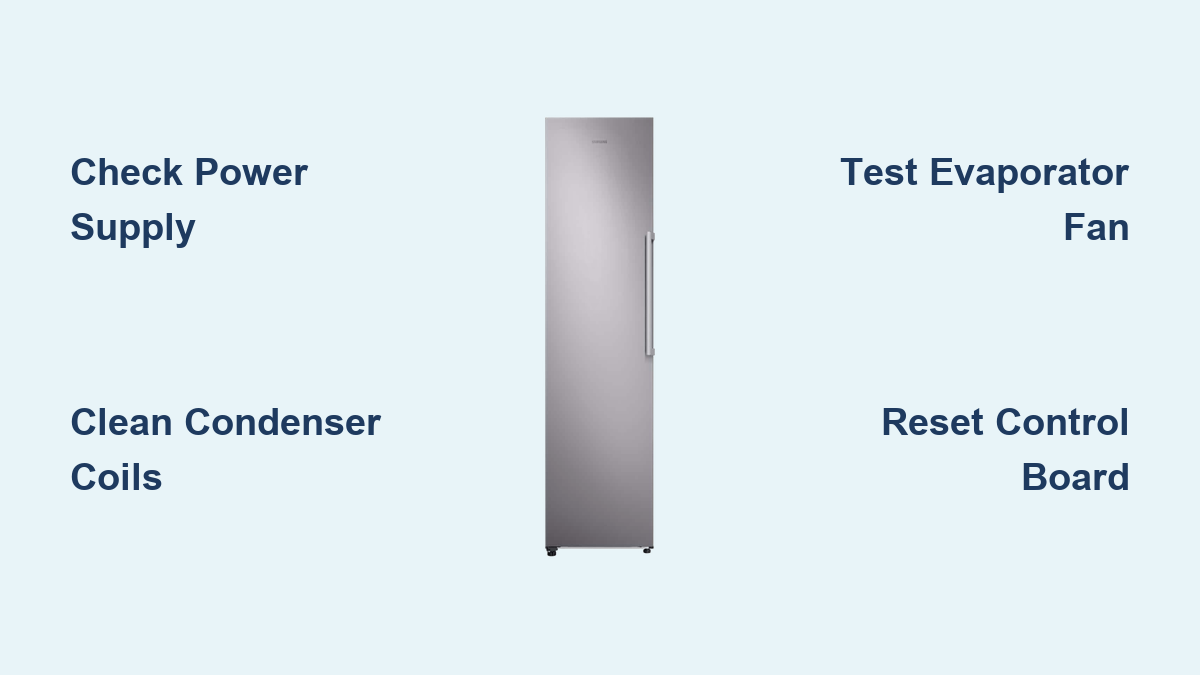
How to Fix Samsung Freezer Not Freezing
Your Samsung freezer suddenly stops freezing properly, and you’re staring at melting ice cream and thawing frozen goods. This frustrating problem affects thousands of Samsung refrigerator owners each year, leaving them wondering how to fix Samsung freezer not freezing issues before food spoils. When your freezer compartment isn’t maintaining the proper temperature, it’s not just inconvenient—it can lead to hundreds of dollars in wasted food. The good news is that many common causes of this problem can be diagnosed and resolved without professional help. In this guide, you’ll learn systematic troubleshooting methods to identify why your Samsung freezer isn’t freezing properly and discover practical solutions you can implement today.
Immediate Checks Before Troubleshooting Your Samsung Freezer
Verify Power Supply and Electrical Connection
Before diving into complex repairs, confirm your Samsung freezer has proper power. Unplug the unit for 30 seconds, then plug it back in to reset the control board—a simple step that resolves many temperature issues. Check if the freezer’s interior light turns on when you open the door, indicating power is reaching the appliance. Ensure the outlet is functioning by testing it with another device, and verify the circuit breaker hasn’t tripped. Many users overlook that Samsung freezers require dedicated 120-volt circuits, and sharing with other appliances can cause voltage fluctuations affecting cooling performance. If your Samsung model has a control lock feature activated, disable it through the settings menu, as this can sometimes interfere with temperature adjustments.
Confirm Correct Temperature Settings
Your Samsung freezer might not be freezing because the temperature setting has been accidentally changed. Locate the control panel—typically on the interior wall or front display—and verify the freezer temperature is set between 0°F and 5°F (-18°C to -15°C). Samsung recommends -2°F (-19°C) as the optimal setting for most models. Check if “Power Cool” or “Power Freeze” features have been activated, as these temporary modes can cause temperature fluctuations. Some Samsung models display error codes when temperature issues occur, so note any flashing lights or symbols on the control panel. Remember that after power outages or resets, Samsung freezers can take up to 24 hours to reach proper freezing temperatures, so allow adequate stabilization time before concluding there’s a serious problem.
Diagnosing Common Samsung Freezer Cooling Problems

Inspect and Clean Condenser Coils
Dirty condenser coils are among the most frequent causes of Samsung freezers not freezing properly. These coils, usually located at the back or bottom front of your refrigerator, release heat from the refrigeration system. When covered in dust and debris, they can’t dissipate heat efficiently, causing cooling problems. Unplug your Samsung unit and locate the coils—refer to your model’s manual for exact placement. Use a coil brush and vacuum to carefully remove accumulated dust, pet hair, and debris. Work gently to avoid damaging the delicate fins, and clean at least every six months for optimal performance. Proper coil maintenance can improve cooling efficiency by up to 30% and prevent premature compressor failure.
Check Evaporator Fan Operation
The evaporator fan circulates cold air from the evaporator coils throughout your Samsung freezer compartment. If this fan fails, cold air won’t distribute properly, causing uneven freezing or complete cooling failure. Open your freezer and listen for the fan running when the compressor is active—you should hear a steady humming sound. If you don’t hear the fan, locate it behind the rear panel in the freezer compartment (unplug the unit first). Remove any ice buildup obstructing the fan blades using a hairdryer on low heat—never use sharp tools that could damage components. Test the fan motor by gently spinning the blades; if they don’t turn freely or make grinding noises, the fan assembly likely needs replacement.
Addressing Samsung-Specific Freezer Issues
Reset Samsung Control Board After Power Events
Samsung refrigerators often require a specific reset procedure after power interruptions to restore proper cooling function. Unplug the unit or turn off the circuit breaker for 5 minutes to fully discharge capacitors. While waiting, press and hold the “Power Cool” and “Power Freeze” buttons simultaneously for 8-10 seconds—this initiates a system reset on most Samsung models. After the waiting period, restore power and allow 24 hours for temperatures to stabilize. This reset clears temporary error codes and recalibrates temperature sensors that may be causing your freezer not to freeze properly. Some Samsung models display a “Cooling Off” message after reset, which should disappear within minutes as the system restarts.
Defrost System Troubleshooting for Ice Buildup

Excessive ice buildup in Samsung freezers often indicates defrost system problems. If you notice more than ¼ inch of frost on freezer walls or evaporator coils, the defrost cycle isn’t functioning correctly. Check if the defrost drain is clogged—a common issue that causes water to pool and freeze in the freezer bottom. Locate the drain hole (typically at the back of the freezer compartment) and clear obstructions using a pipe cleaner or turkey baster with warm water. Test the defrost heater by checking for continuity with a multimeter—if it shows infinite resistance, it needs replacement. Similarly, a faulty defrost thermostat or control board can prevent proper defrost cycles, requiring professional diagnosis and replacement.
When to Call Samsung Support or a Professional
Recognizing Serious Component Failures

Certain issues with your Samsung freezer not freezing require professional intervention. If you’ve completed basic troubleshooting but still hear unusual noises like loud buzzing, clicking, or grinding from the compressor area, you may have a serious mechanical problem. Complete lack of cooling in both refrigerator and freezer compartments often indicates sealed system issues like refrigerant leaks or compressor failure—problems requiring EPA-certified technicians. If your Samsung model displays specific error codes like “22E” (defrost sensor failure) or “33E” (freezer thermistor failure), consult Samsung’s official documentation before attempting repairs. Attempting to repair refrigerant systems yourself is dangerous and illegal without proper certification, as modern Samsung units use specialized refrigerants under high pressure.
Samsung Warranty and Service Considerations
Check your Samsung refrigerator’s warranty status before attempting major repairs. Most Samsung models come with a standard 1-year limited warranty covering parts and labor, plus extended coverage on sealed system components. Locate your model and serial numbers (typically on a label inside the refrigerator compartment) and verify coverage through Samsung’s official support portal. Authorized Samsung service technicians have access to proprietary diagnostic tools and genuine replacement parts designed specifically for your model. They can also check for any service bulletins or recall notices affecting your specific refrigerator series. For out-of-warranty units, weigh repair costs against replacement value—Samsung freezers over 10 years old may not be economically viable to repair.
Preventative Maintenance to Avoid Future Freezing Issues
Regular Cleaning and Airflow Management
Maintain proper airflow in your Samsung freezer by organizing contents to allow at least 1 inch of space between items and the walls. Avoid overfilling your freezer, as this restricts cold air circulation and forces the cooling system to work harder. Clean interior surfaces monthly with a solution of baking soda and water to prevent odor absorption and ice crystal buildup. Check door seals regularly by closing a dollar bill in the door at various points—if you can pull it out easily, the seal needs replacement. Proper maintenance extends your Samsung freezer’s lifespan and prevents many common cooling issues before they develop into serious problems.
Monitoring Temperature and Usage Patterns
Install an independent refrigerator thermometer in your Samsung freezer to verify actual temperatures, as built-in sensors can sometimes miscalibrate. Keep a log of temperature readings and note any fluctuations that might indicate developing problems. Avoid frequent door openings and ensure doors close completely—Samsung models have sensors that detect prolonged openings and adjust cooling accordingly. Allow hot foods to cool to room temperature before placing them in the freezer, as this reduces the workload on your cooling system. These simple habits help maintain consistent freezing temperatures and prevent unnecessary strain on your Samsung refrigerator’s components.
Final Note: If your Samsung freezer still isn’t freezing after completing these troubleshooting steps, contact Samsung’s official support line at 1-800-SAMSUNG for model-specific assistance. Remember that attempting complex repairs without proper training can void warranties and create safety hazards. For persistent cooling issues, especially those involving refrigerant systems or electrical components, professional service remains the safest and most reliable solution to restore proper freezing function to your Samsung appliance.