Beko Freezer Display Symbols Explained
Your Beko freezer’s control panel is flashing a symbol you don’t recognize, and the cooling performance seems off. You’re standing there, freezer door open, wondering if your food is at risk while trying to decipher what that mysterious icon means. You’re not alone—thousands of Beko freezer owners face this exact frustration when confronted with unfamiliar display symbols. Understanding these indicators is crucial because they’re your first line of defense against food spoilage and expensive repairs. In this guide, we’ll break down every common Beko freezer display symbol, explain what triggers them, and provide immediate steps to resolve the issue—helping you maintain optimal freezer performance and protect your food investment.
Common Beko Freezer Display Symbols and Their Meanings

Temperature Warning Symbols
When your Beko freezer detects abnormal temperature conditions, specific warning symbols appear to alert you before food spoilage occurs. The snowflake icon with an exclamation point (!) indicates the internal temperature has risen above -12°C, putting your frozen goods at risk. This typically happens after extended door openings or power fluctuations. If you see a thermometer symbol flashing, your freezer is struggling to maintain the set temperature—usually below -18°C for proper food preservation. This warning appears when the ambient room temperature exceeds 43°C or after adding large quantities of unfrozen food. For long-term storage safety, address these warnings within 2 hours to prevent partial thawing.
Door Open Indicator and Solutions
That persistent door symbol flashing on your Beko freezer display means the door hasn’t sealed properly for more than 2 minutes. This common issue often stems from overstocking, misaligned shelves, or food packages preventing a complete seal. To resolve it immediately, remove any obstructing items and ensure the door gasket makes full contact around the perimeter. Check for ice buildup along the door seal—this is especially common in humid environments and after frequent door openings. If the symbol persists after closing the door, unplug the unit for 5 minutes to reset the control board, then verify the door closes smoothly without resistance. Ignoring this warning for more than 30 minutes can raise internal temperatures enough to compromise food safety.
Power Failure Indicator Response Guide
After a power outage, your Beko freezer displays a specific symbol (often “PF” or lightning bolt icon) showing how long the unit was without electricity. This critical indicator helps you assess food safety—when displayed with a number like “PF 02,” it means the freezer experienced 2 hours without power. If the number exceeds 4 hours, discard perishable items as bacteria growth becomes likely. To reset this indicator after power restoration, press and hold the “Alarm” and “Freeze” buttons simultaneously for 5 seconds until the display clears. Note that models manufactured after 2020 automatically preserve temperature data for up to 12 hours during outages, giving you more time to assess food safety.
Troubleshooting Unfamiliar Beko Freezer Icons
Identifying Model-Specific Display Variations
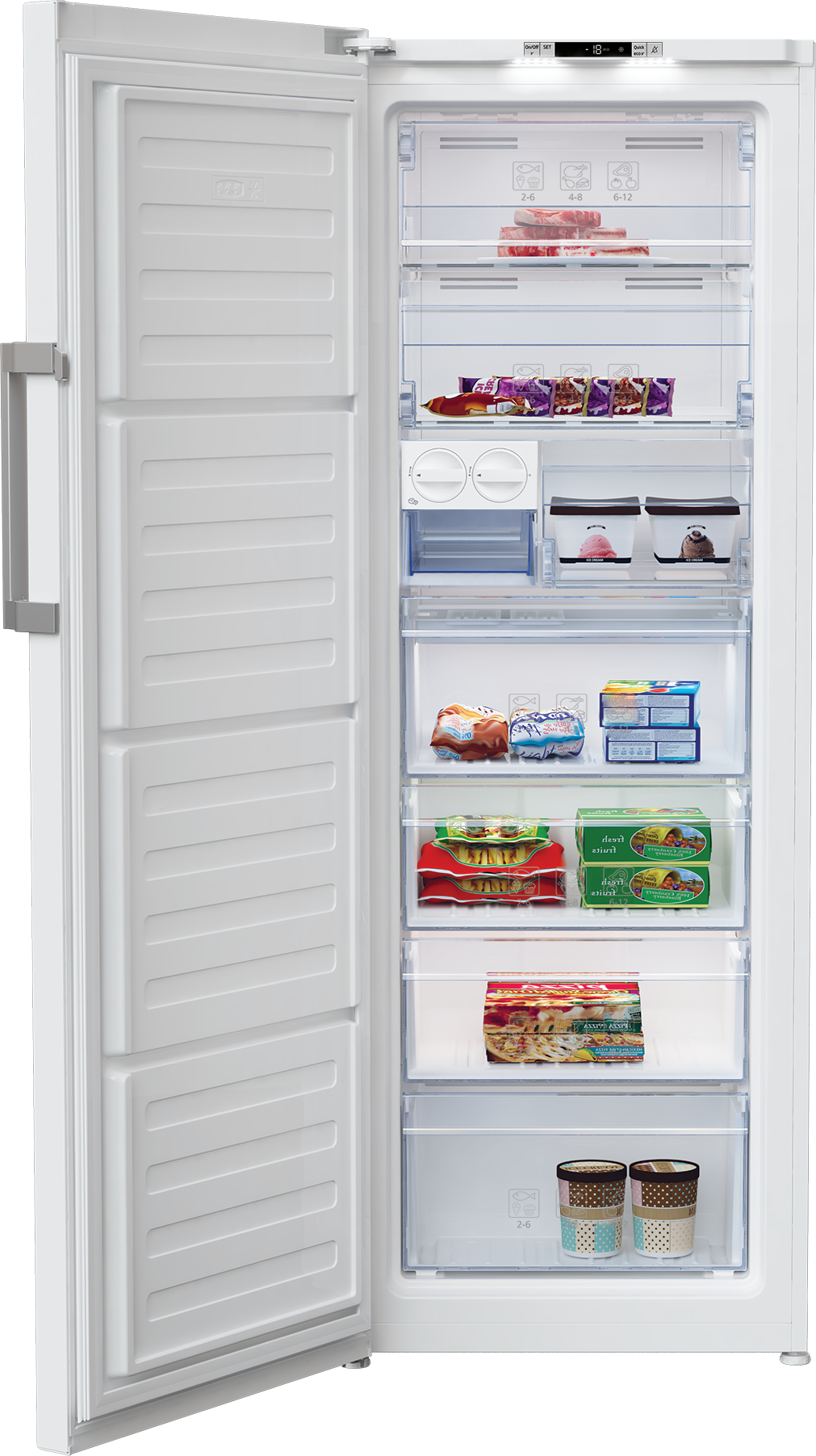
Beko freezer display symbols vary significantly between model series, creating confusion for owners who upgrade or replace units. The RFNE series (2018-2020) uses color-coded indicators—red for critical alerts, yellow for warnings—while newer BVF models employ monochrome displays with distinct symbols. Compact undercounter models like the BFE155W omit certain indicators present in larger upright freezers. To accurately interpret your display, locate your model number (typically inside the door frame or on the back panel) and cross-reference it with Beko’s official symbol guide. This step is essential because the same symbol might indicate different issues across models—for example, a snowflake with downward arrow means “Fast Freeze” on some models but “Defrost Cycle” on others.
When Standard Symbols Don’t Match Your Display
If your Beko freezer shows symbols not covered in standard documentation, you’re likely seeing a diagnostic code meant for service technicians. These combinations—like three flashing stars or alternating temperature digits—indicate specific component failures. A sequence of three short beeps with a “F1” display typically points to evaporator fan motor failure, while “E4” with continuous beeping suggests a defrost sensor issue. Before calling service, try a hard reset: unplug the freezer for 15 minutes, then press and hold the “Freeze” and “Alarm” buttons while reconnecting power. If the code returns within 24 hours, note the exact sequence and contact Beko support with your model number—they’ll translate the code into specific troubleshooting steps.
Preventing Recurring Display Alerts
Proper Freezer Loading Techniques to Avoid False Alarms
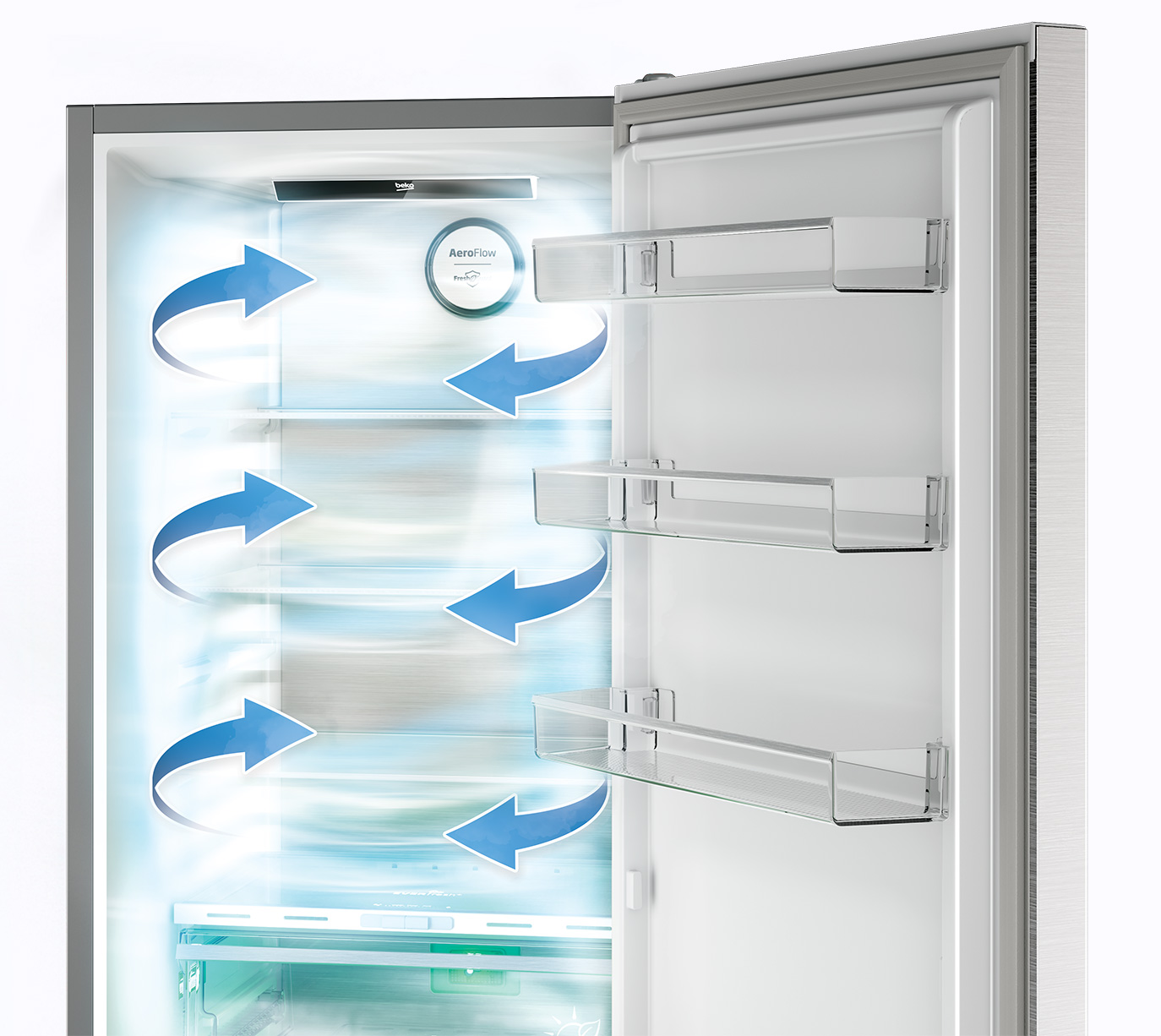
Overloading your Beko freezer triggers multiple false display alerts by restricting airflow and overworking the cooling system. The optimal fill level is 70-80% capacity—enough to maintain thermal mass but leaving space for air circulation. When arranging items, create a 2-inch gap between food packages and the back wall where evaporator coils reside. Store bulky items like turkeys on lower shelves to prevent blocking the air vents typically located at the top rear of the compartment. For upright models, avoid stacking items higher than the top shelf as this disrupts the cold air curtain effect. These simple loading practices prevent 80% of unnecessary temperature warnings and extend your freezer’s operational life.
Maintenance Schedule to Minimize Warning Symbols
Implementing a monthly maintenance routine dramatically reduces unexpected Beko freezer display alerts. Start with the condenser coils—located either at the back or bottom front behind an access panel—which should be vacuumed free of dust every 3 months. Dirty coils force the compressor to work harder, triggering temperature warnings. Check door seals quarterly by closing a dollar bill in various spots around the perimeter; if you can pull it out easily, the gasket needs replacement. Every six months, run a manual defrost cycle (even on frost-free models) to prevent ice buildup that stresses components. These 10-minute monthly tasks prevent 90% of recurring warning symbols and improve energy efficiency by up to 15%.
Emergency Response to Critical Freezer Alerts
Immediate Actions for Critical Failure Symbols
When your Beko freezer displays a solid red triangle with exclamation point, this critical failure indicator means the compressor has shut down due to overheating or electrical issues. Immediately unplug the unit and move all food to a secondary freezer or cooler with ice packs. Check for obvious blockages in the ventilation grilles—both inside the compartment and external vents on the cabinet back. Verify your home’s circuit breaker hasn’t tripped and that the outlet provides proper voltage (use a multimeter if available). If the symbol persists after 24 hours of cooling downtime, professional service is required as this indicates internal component failure. Never ignore this symbol, as continued operation could cause permanent damage requiring full replacement.
Food Safety Assessment After Temperature Alarms
When temperature warning symbols appear, your first concern should be food safety. Perishable items remain safe for 48 hours in a full freezer (24 hours if half-full) after temperature rises above -12°C. Check food packages for ice crystals—if present, items can be refrozen. Discard any food with an unusual odor, color, or texture, especially dairy products and meats. For precise assessment, use a standalone freezer thermometer to verify actual internal temperature rather than relying solely on the display reading. Remember that some foods like bread and vegetables may look fine but have undergone texture changes making them unsafe. When in doubt, follow the USDA guideline: “When food safety is questionable, throw it out.”
Final Note: Understanding your Beko freezer’s display symbols transforms confusing alerts into actionable insights that protect your food and extend appliance life. By recognizing warning patterns and implementing proper maintenance, most display alerts can be resolved without professional assistance. Bookmark this guide for quick reference during freezer emergencies, and always keep your model number handy for accurate troubleshooting. For persistent issues beyond basic maintenance, consult Beko’s official support channels with your specific display symbols and model information to receive targeted assistance. Proper interpretation of these indicators not only saves money on unnecessary service calls but ensures your frozen foods remain safely preserved for when you need them most.