How to Reset Sub Zero Freezer: Quick Steps
Your Sub-Zero freezer suddenly stops maintaining proper temperatures, or perhaps the digital display shows confusing error codes. When premium appliances like Sub-Zero freezers experience electronic glitches, knowing exactly how to reset Sub Zero freezer systems can save you from unnecessary service calls and protect your valuable frozen goods. Unlike many appliances with a dedicated reset button, Sub-Zero models require a specific hard reset procedure that completely reboots the electronic control system. This is essential because Sub-Zero’s sophisticated electronics continuously monitor and adjust temperature, and temporary glitches can disrupt normal operation. Whether you’re dealing with temperature fluctuations, unresponsive controls, or error codes after a power outage, this guide provides the precise steps to successfully reset your Sub-Zero freezer and restore reliable performance—without voiding your warranty or risking further damage.
Power Down Your Freezer Correctly
The foundation of any successful Sub-Zero reset begins with completely disconnecting power to allow the electronic system to discharge fully. Locate the power cord attached to your freezer—depending on your model, this will be either a standard plug connecting to a wall outlet or a hardwired connection directly into your home’s electrical system.
How to Safely Disconnect Power for Different Models
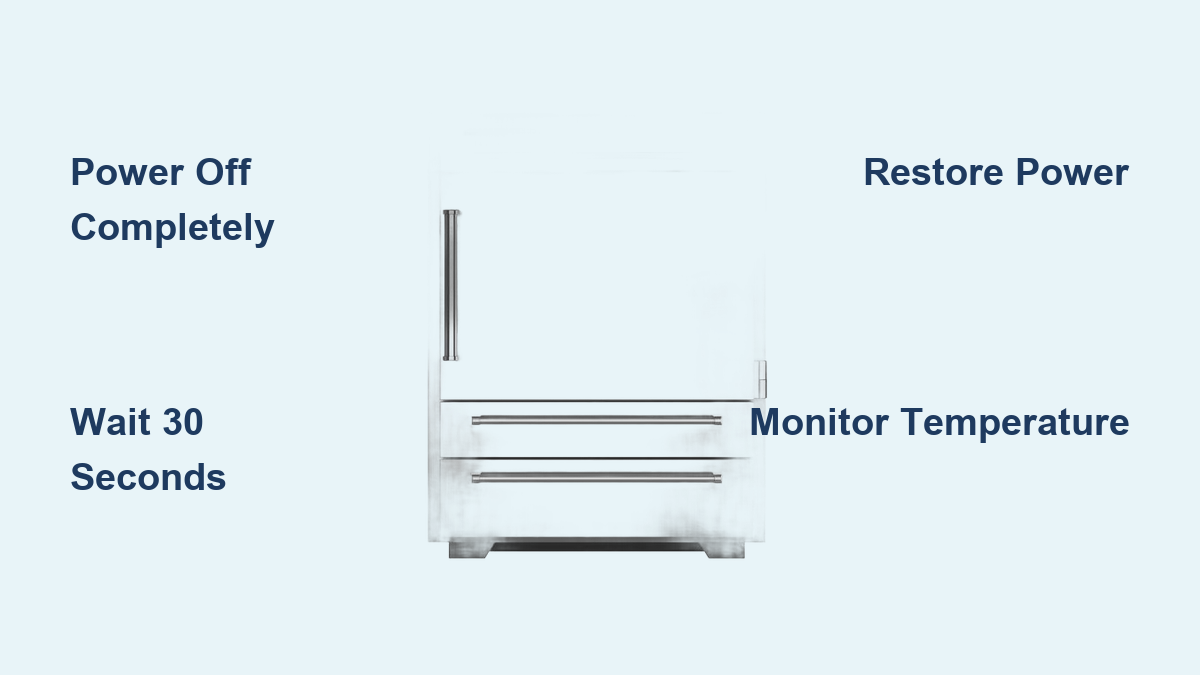
For plug-in models, firmly grip the plug (not the cord) and pull it straight out from the electrical outlet. Pulling by the cord can damage internal wiring over time. If your Sub-Zero is hardwired, you must access your home’s electrical panel and locate the dedicated circuit breaker. Switch this breaker to the “off” position to completely cut power. Verify disconnection by checking that interior lights remain off when you open the door and the control panel display goes completely blank—any residual power means the reset won’t be effective.
Wait for Complete System Discharge
Rushing this critical phase guarantees reset failure. After disconnecting power, the control board capacitors inside your Sub-Zero freezer retain electrical charge for several seconds. These components maintain memory during brief power interruptions but must fully discharge for a complete reset.
Why the 30-Second Minimum Matters
Wait at least 30 seconds, though allowing a full minute provides optimal results. During this time, resist checking if the display has gone dark by quickly reconnecting power—the capacitors need adequate time to release stored energy. Some technicians recommend up to five minutes for stubborn glitches, but thirty seconds to one minute suffices for most situations. This discharge period clears temporary software errors and resets communication protocols between components, preparing the system for a fresh startup.
Restore Power and Initialize the System

With the discharge period complete, it’s time to restore power and initiate the startup sequence. If you unplugged the unit, insert the power plug firmly into the outlet, ensuring a secure connection. For hardwired units, return the circuit breaker to the “on” position and verify power flow.
What Happens During System Initialization
Upon power restoration, most Sub-Zero models automatically begin their startup sequence. The control panel display should illuminate, showing the current temperature setpoint. If your model requires manual activation, press the power button once. The default temperature setting typically hovers around 0°F (-18°C), but you can adjust this using the temperature controls. Allow the system several minutes to initialize all components and begin the cooling cycle—rushing this process can cause incomplete resets.
Monitor Operation After Reset
The reset procedure is complete, but your work isn’t finished. The hours following a reset provide crucial information about whether the reset resolved your issue. Listen for the compressor, which should produce a steady, low humming sound that cycles on and off as the system maintains temperature.
Critical Post-Reset Checks
Check that interior lights function properly when opening the door and verify temperature display readings. Monitor the freezer over the next 24-48 hours, checking for stable temperatures. If your issue involved error codes, confirm they’ve cleared. For temperature problems, use a separate thermometer inside the freezer to verify actual temperature matches the display. Unusual sounds or persistent issues after 48 hours indicate deeper problems requiring professional attention.
Fix Display and Control Panel Issues
When your Sub-Zero freezer’s digital display shows error codes, displays impossible temperatures, or fails to respond to inputs, the electronic controls have likely encountered a software glitch. The control panel serves as your primary interface with the freezer’s systems.
Common Display Problems Solved by Reset
Blank screens despite the freezer running, persistent error codes that don’t correspond to actual problems, and controls that beep but don’t execute commands often clear after a proper reset. This procedure clears temporary software errors and allows the control panel to reinitialize properly. If the display remains unresponsive after reset, or if error codes persist through multiple reset attempts, you may be dealing with failing hardware requiring professional service.
Address Compressor Starting Problems
The compressor is your freezer’s cooling heart, and communication breakdowns between the control board and compressor cause serious operational issues. If your compressor fails to start, makes unusual clicking sounds, cycles excessively, or runs continuously without shutting off, the control system may need resetting.
Resetting After Power Interruptions
Power interruptions and electrical surges often disrupt communication between the control board and compressor. The reset procedure re-establishes this communication protocol. After resetting, listen for a smooth, steady compressor hum. Unusual noises that persist—grinding, loud rattling, or excessive vibration—may indicate mechanical compressor problems requiring professional diagnosis.
Clear Persistent Error Codes
Sub-Zero freezers display alphanumeric error codes when detecting potential malfunctions. Common codes include “CO” for communication errors, “DO” for door open alerts, and temperature-related warnings. A hard reset often clears temporary error conditions caused by power glitches.
When Error Codes Indicate Serious Problems
Error codes that persist through multiple reset attempts typically indicate actual component failures. Repeated communication errors may point to failing control boards or damaged wiring. Temperature-related codes that return after reset often indicate problems with the refrigeration system or sensors. Document persistent error codes, including when they appear and what triggers them, as this information helps technicians diagnose the underlying issue efficiently.
Schedule Professional Service When Necessary
While the hard reset procedure resolves many electronic control issues, certain situations require professional expertise. Contact a Sub-Zero authorized technician when problems persist after complete reset and basic troubleshooting.
Signs You Need Professional Help Immediately
Seek professional service if you notice refrigerant leaks (oily residues, hissing sounds), physical damage to the freezer, or unusual mechanical noises that persist after reset. These issues require specialized diagnosis and repair that go beyond user capabilities. Attempting to address these problems yourself could void your warranty and create safety hazards.
Extend Your Freezer’s Lifespan with Proper Maintenance
Regular maintenance prevents operational issues and keeps your Sub-Zero freezer performing reliably for years. Implement these simple practices to avoid needing frequent resets.
Essential Maintenance Schedule
- Monthly: Inspect door seals for cleanliness and integrity
- Quarterly: Clean interior surfaces with mild baking soda solution
- Biannually: Vacuum condenser coils to maintain cooling efficiency
Check that the freezer remains level and has adequate ventilation space according to your model’s specifications. Keep the area around your freezer clean and free of dust that could affect performance.
Know Your Sub-Zero Model for Successful Resets
Sub-Zero manufactures several freezer series with slightly different configurations. Understanding your specific model ensures you perform the reset correctly.
Model-Specific Reset Considerations
Built-in models typically feature touch-sensitive control panels, while some older designs use dial or button controls. Integrated models designed to blend with cabinetry may include additional reset considerations. If uncertain about any aspect of the reset procedure for your specific model, consult your owner’s manual for model-specific instructions before proceeding.
Performing a hard reset on your Sub-Zero freezer serves as an effective first step for resolving many electronic control issues without requiring a service call. By following this procedure correctly—powering down completely, allowing adequate discharge time, restoring power properly, and monitoring the results—you can restore normal operation and maintain the reliable performance Sub-Zero appliances are known for. When reset procedures fail to resolve persistent issues, certified Sub-Zero technicians have the expertise and genuine parts necessary to diagnose and repair complex problems while preserving your appliance’s warranty coverage. Remember that regular maintenance prevents many issues that would otherwise require resetting, so implement the recommended care schedule to keep your Sub-Zero freezer operating at peak performance for years to come.